FT2 basic and WFT2 wall panels
FT2 basic flat panels
Section titled “FT2 basic flat panels”The FT2 is a slim, dimmable LED source. Place it in front of the telescope aperture for flat frames. Its button cycles brightness presets, and the included USB-C data cable provides computer control.
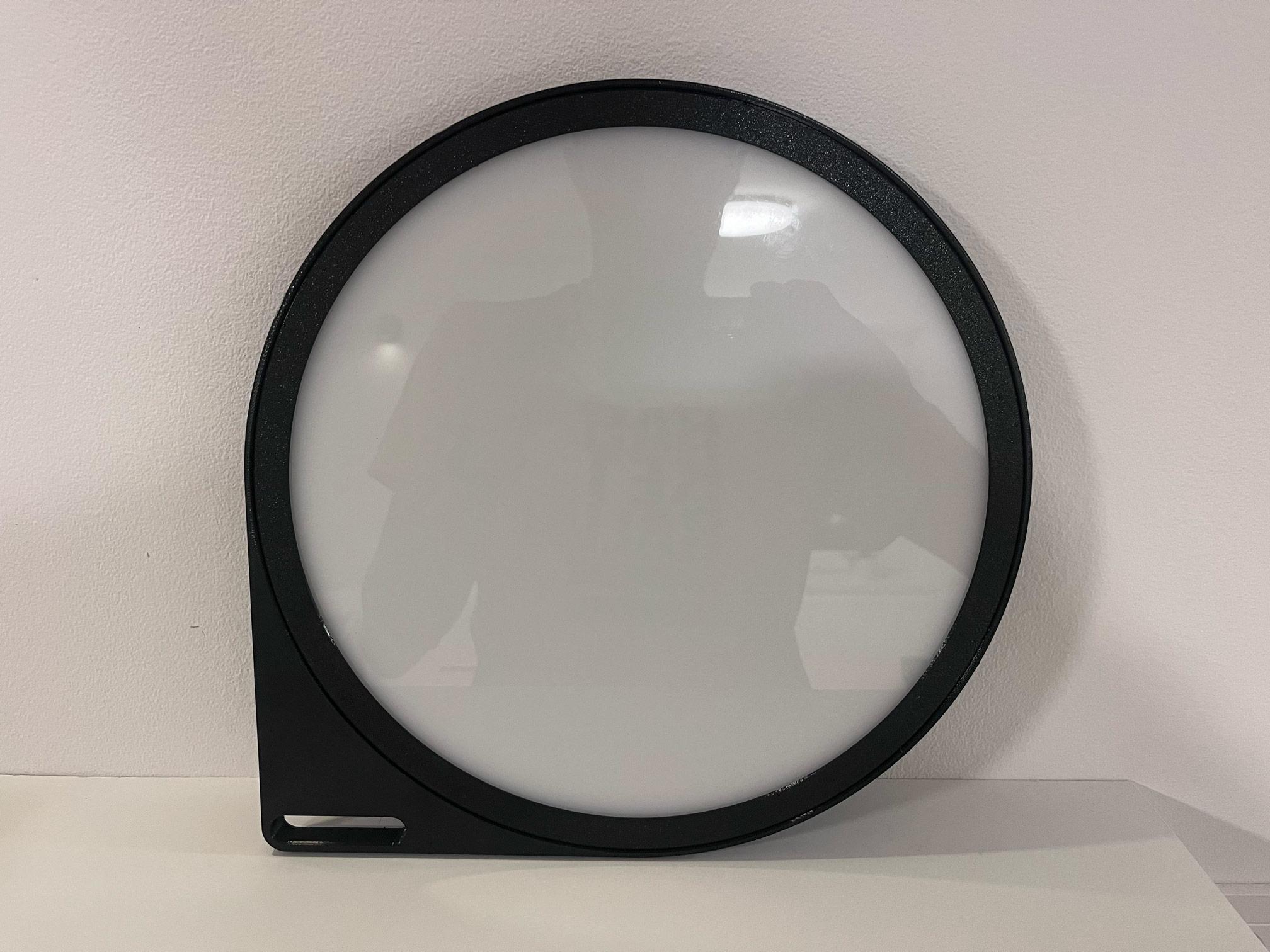
| Model | Body Ø × depth (mm) | Lit Ø (mm) |
|---|---|---|
| FT170 | 177 × 14 | 140 |
| FT194 | 201 × 14 | 164 |
| FT260 | 267 × 14 | 230 |
| FT300 | 307 × 14 | 270 |
WFT2 wall-mounted flat panels
Section titled “WFT2 wall-mounted flat panels”Mount the WFT2 inside the observatory using the pre-drilled holes around its edge. Choose a position near the pier or tripod that the telescope can face in its flats park position. This arrangement suits large instruments and truss tubes with little room for a moving flap.
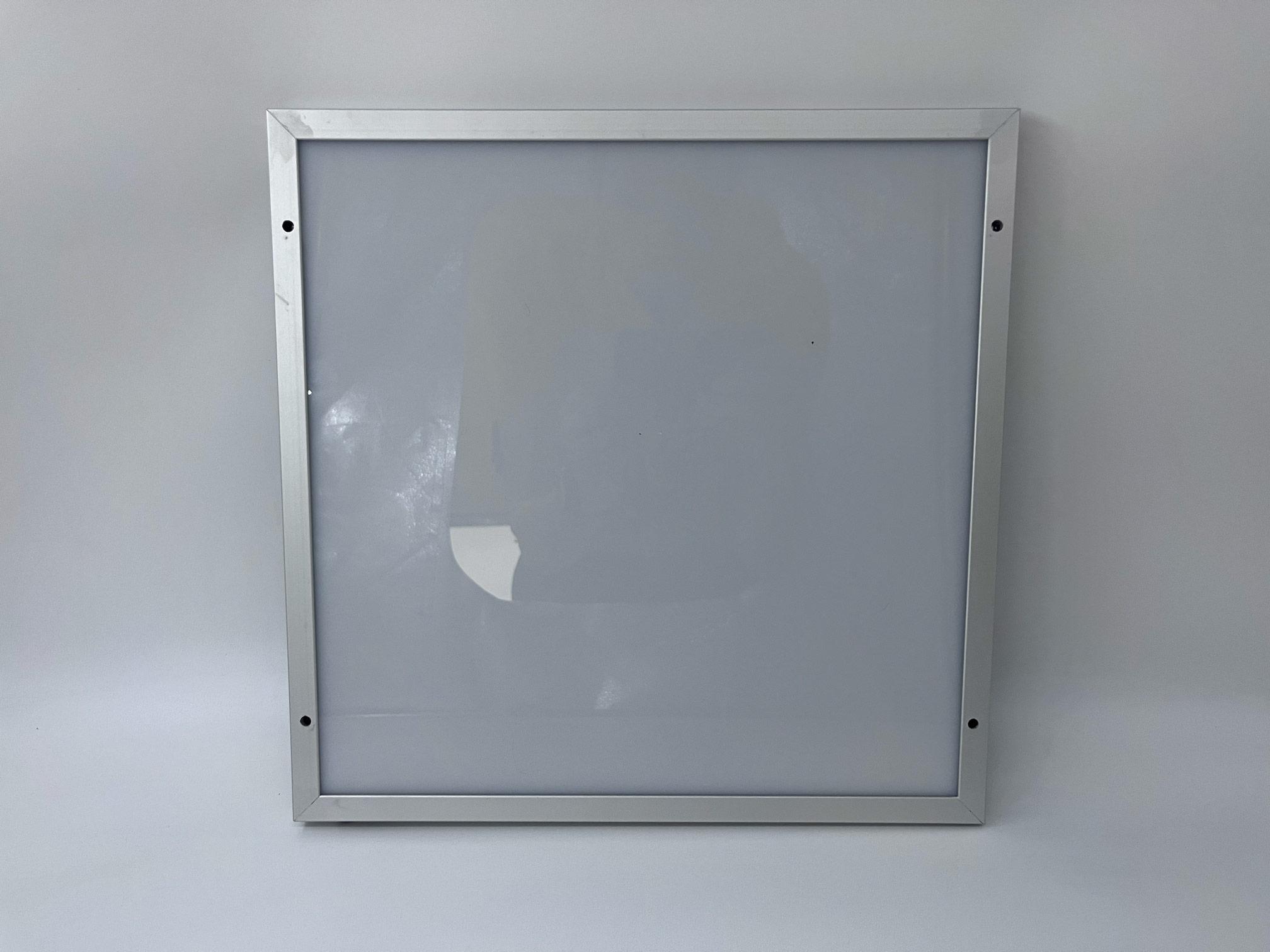
| Model | Width × height × depth (mm) |
|---|---|
| WFT3030 | 328 × 328 × 18 |
| WFT6060 | 628 × 628 × 18 |
Connect the separate control box’s male DC plug to the input on the panel. Connect the power supply to the control box. Park the telescope facing the lit surface so that it fills the aperture.
Control the light
Section titled “Control the light”FT2, FTL2 and WFT2 use the FP2 electronics, manual brightness button and native light range of 0–4096, with 0 for off. They work with FP2 Control Panel on Windows, Linux and macOS, the Windows ASCOM driver (up to six device profiles), or INDI. The optional ASIAIR control cable sets brightness on a Pro or Plus with a variable DC port. Computer controls · ASIAIR cable